

01 Jul EV Charger Offline? How to Troubleshoot Connectivity Glitches
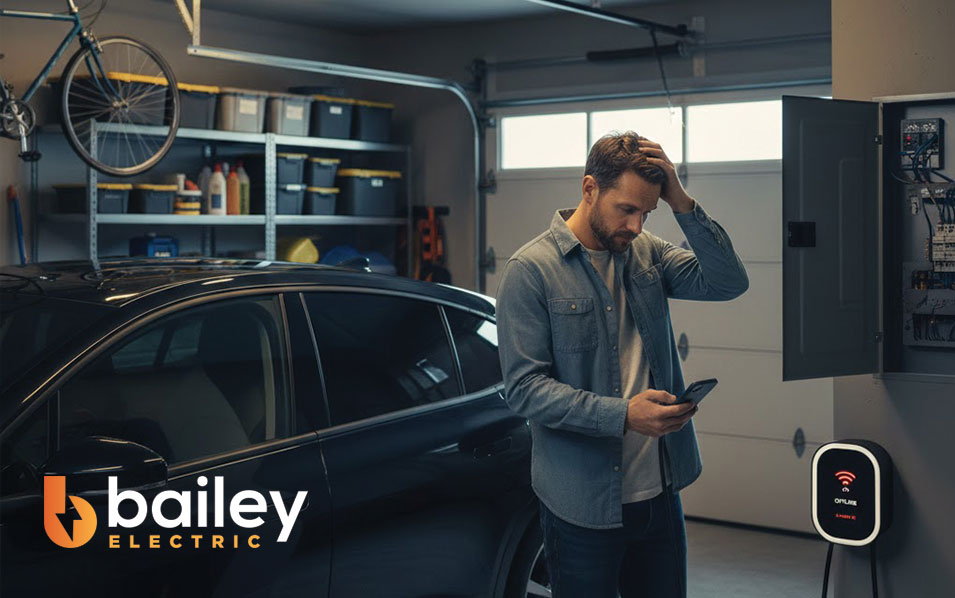
You pull into your garage after a long drive, plug in your electric vehicle, and expect to wake up to a full battery. But the next morning, your app shows a dreaded “offline” notification, and your range hasn’t budged. It is a frustrating scenario that is becoming increasingly common as our homes become smarter and more connected.
Smart EV chargers offer incredible convenience. They allow you to schedule charging during off-peak hours to save money, track your energy consumption, and even integrate with other smart home devices. However, when they lose connectivity, they turn from sophisticated tech into expensive, dumb extension cords—or worse, they stop working entirely.
Troubleshooting these issues requires looking at two distinct systems: your home network and your home electrical infrastructure. While some fixes are simple software reboots, others point to deeper issues requiring electrical troubleshooting. This guide will walk you through the steps to get your charger back online and explain when it’s time to call in a professional from Bailey Electric.
The Intersection of WiFi and High Voltage
Modern electric vehicle chargers are unique appliances. They are high-amperage devices that require a robust garage car charge installation, but they also function like your laptop or smartphone. They need a steady stream of data to communicate with manufacturer servers and your mobile app.
When connectivity drops, the charger might default to a basic “plug-and-charge” mode, but you lose the ability to control amperage or charging times. In some safety-critical setups, a loss of WiFi might actually pause charging to prevent overload. Before we rip open the electrical panel, we need to rule out the most common culprit: the signal.
Step 1: Diagnosing Network Interference
Garages are notoriously bad environments for WiFi signals. They are often far from the main router, separated by thick firewalls, insulation, and metal doors. If you have recently completed interior lighting upgrades or added metal shelving in the garage, you might have inadvertently created a Faraday cage that blocks signals.
Check Your Signal Strength
Stand next to your charger with your phone. If your phone struggles to load a webpage on WiFi, your charger is likely struggling too. Most chargers operate on the 2.4GHz band, which travels through walls better than 5GHz but is more prone to interference from other devices.
The Reboot Cycle
Just like a frozen computer, sometimes the hardware just needs a fresh start. Locate the breaker that controls your charger. Flip it off, wait a full minute, and flip it back on. This forces the charger to reboot its internal computer and attempt to reconnect to the network.
Step 2: Inspecting the Physical Connection
If your network is strong but the charger is still acting up, the issue might be physical. A loose connection can cause voltage drops that confuse the charger’s internal sensors, leading to connectivity errors.
Take a look at the plug (if your unit isn’t hardwired). Is it sitting flush in the outlet? Industrial strength outlets, specifically NEMA 14-50s, are required for EV charging. If you are using a standard builder-grade outlet, it may have worn out from the heat cycles. Changing electric outlets to heavy-duty, industrial-grade versions is a common, necessary upgrade for safety and reliability.
Step 3: Circuit Breakers and Electrical Health
Sometimes, what looks like a connectivity glitch is actually a power protection mechanism kicking in. If your charger powers down completely, you are dealing with a supply issue.
Go to your electrical panel. Is the breaker tripped? Circuit breakers repair and maintenance are vital here. A breaker that trips instantly indicates a short circuit, while a breaker that trips after 30 minutes of charging usually suggests an overload. This means your charger is drawing more power than the circuit can handle, or the breaker itself is old and sensitive to heat.
This is common in older homes where wiring and rewiring a home hasn’t occurred in decades. The sustained high load of an EV charger puts stress on your electrical system that a toaster or TV never would.
Step 4: Smart Home Conflicts
As we add more devices to our homes, we increase the complexity of our electrical ecosystem. If you have recently undertaken smart switch installation or decided to install smart thermostats, check to see if these devices are on the same frequency or network as your charger. While rare, IP conflicts can knock devices offline.
Additionally, ensure your charger isn’t competing for amperage on a shared circuit. If you have hot tub wiring or electric dryers on the same sub-panel, turning them all on at once might cause voltage sags that force smart chargers to disconnect for self-protection.
When to Call a Professional Electrician
There is a distinct line between rebooting a router and handling high-voltage components. If your troubleshooting leads you to the electrical panel, exposed wiring, or a burning smell, stop immediately.
You should contact a licensed electrician for residential electric services if:
- The Breaker Keeps Tripping: This is a fire hazard. It indicates the wire gauge may be too small for the distance or amperage.
- The Outlet is Hot or Discolored: This suggests arcing. You likely need changing electric outlets immediately to prevent a melt-down.
- You Need a Hardwire Installation: Plug-in chargers are convenient, but hardwired connections are safer and more reliable. This involves electrical repair skills that go beyond DIY.
- GFCI Issues: EV chargers have built-in ground fault protection. If you plug them into a GFCI-protected outlet, the two safety systems can conflict, causing “phantom tripping.” Specialized GFCI electrician services can reconfigure this to code.
Upgrading Your Charging Environment
If you are consistently having issues, it might be time to look at your garage’s electrical setup holistically. It isn’t just about the car; it’s about the functionality of the space.
Consider the lighting. If you are troubleshooting cables in the dark, you might miss physical damage. Upgrading your indoor lighting in the garage makes maintenance easier. Furthermore, if your charger is located on the side of the house, reliable outdoor lighting or electrician for exterior lighting services can ensure you aren’t fumbling with high-voltage plugs in the pitch black.
A professional assessment can also look at other safety features. While we are checking your charging circuit, we often recommend reviewing your smoke & carbon monoxide alarm installation. An EV battery fire is rare, but having working alarms in the garage or adjacent rooms provides peace of mind.
The Bailey Electric Difference
Troubleshooting an EV charger is rarely just about the charger. It is about how that device interacts with your home’s entire electrical grid. From ceiling fan installation to complex electrical troubleshooting, the team at Bailey Electric understands how every circuit in your Salt Lake City home works together.
If you have reset the WiFi and checked the app, but the green light still won’t turn on, don’t risk your vehicle or your home. A professional inspection can determine if you need a simple light fixture replacement to see better, a new outlet, or a comprehensive panel upgrade.
Make the Connection
Electric vehicles are the future of transport, but they rely on the fundamental physics of electricity. A poor connection—whether digital or physical—can leave you stranded in your own driveway. By systematically checking your network and observing your hardware, you can solve many common glitches. However, when electricity behaves unpredictably, the safest tool in your box is the phone number for a licensed professional.
Don’t let a “connection error” ruin your morning commute. Ensure your home is powered safely and efficiently.
Sorry, the comment form is closed at this time.